

macOS Cloud Servers: Running Virtual Machines Online for MacBook Users
In the current digital landscape, MacBook users often face the challenge of limited local resources for demanding tasks such as software development, testing, and creative projects. Virtual machines (VMs) traditionally require local software like Parallels Desktop or VMware Fusion, which can strain MacBook hardware and lack scalability. However, the rise of cloud computing has introduced online or cloud-based virtual machines, offering a flexible, scalable, and cost-effective alternative.
The analysis is based on a comprehensive review of cloud hosting and virtual machine service providers, focusing on those explicitly supporting macOS environments. Data was gathered from provider websites, including MacinCloud, MacStadium, VirtualMacOSX, HostMyApple, and Amazon EC2 Mac Instances, to extract key features, pricing, and suitability for MacBook users. The information is presented to provide a detailed, professional overview for users seeking to leverage cloud-based VMs.
Benefits of Cloud-Based Virtual Machines for MacBook Users
Cloud-based VMs offer several advantages, making them an attractive option for MacBook users:
Scalability: Users can dynamically adjust resources such as CPU, RAM, and storage based on workload demands, without the need for hardware upgrades. This is particularly beneficial for tasks requiring high computational power, such as compiling large codebases or running multiple virtual environments simultaneously.
Flexibility: These services allow running various operating systems, including different versions of macOS, Windows, and Linux, directly from a MacBook. This flexibility is crucial for developers needing to test applications across multiple platforms or environments, ensuring compatibility and functionality.
Cost-Effectiveness: Most providers operate on a pay-as-you-go or subscription model, enabling users to pay only for the resources they consume. This eliminates the need for expensive hardware upgrades or multiple software licenses, making it a budget-friendly option for both individuals and small teams.
Accessibility: Cloud VMs can be accessed from any location with an internet connection, facilitating remote work, collaborative projects, or travel scenarios. This accessibility ensures users are not tied to their physical MacBook, enhancing productivity and workflow efficiency.
Reduced Maintenance: Managing local VMs can be time-consuming, involving regular updates, backups, and troubleshooting. Cloud providers handle infrastructure maintenance, allowing users to focus on their work without the burden of managing underlying hardware or software.
Top Cloud-Based Virtual Machine Providers for MacBook
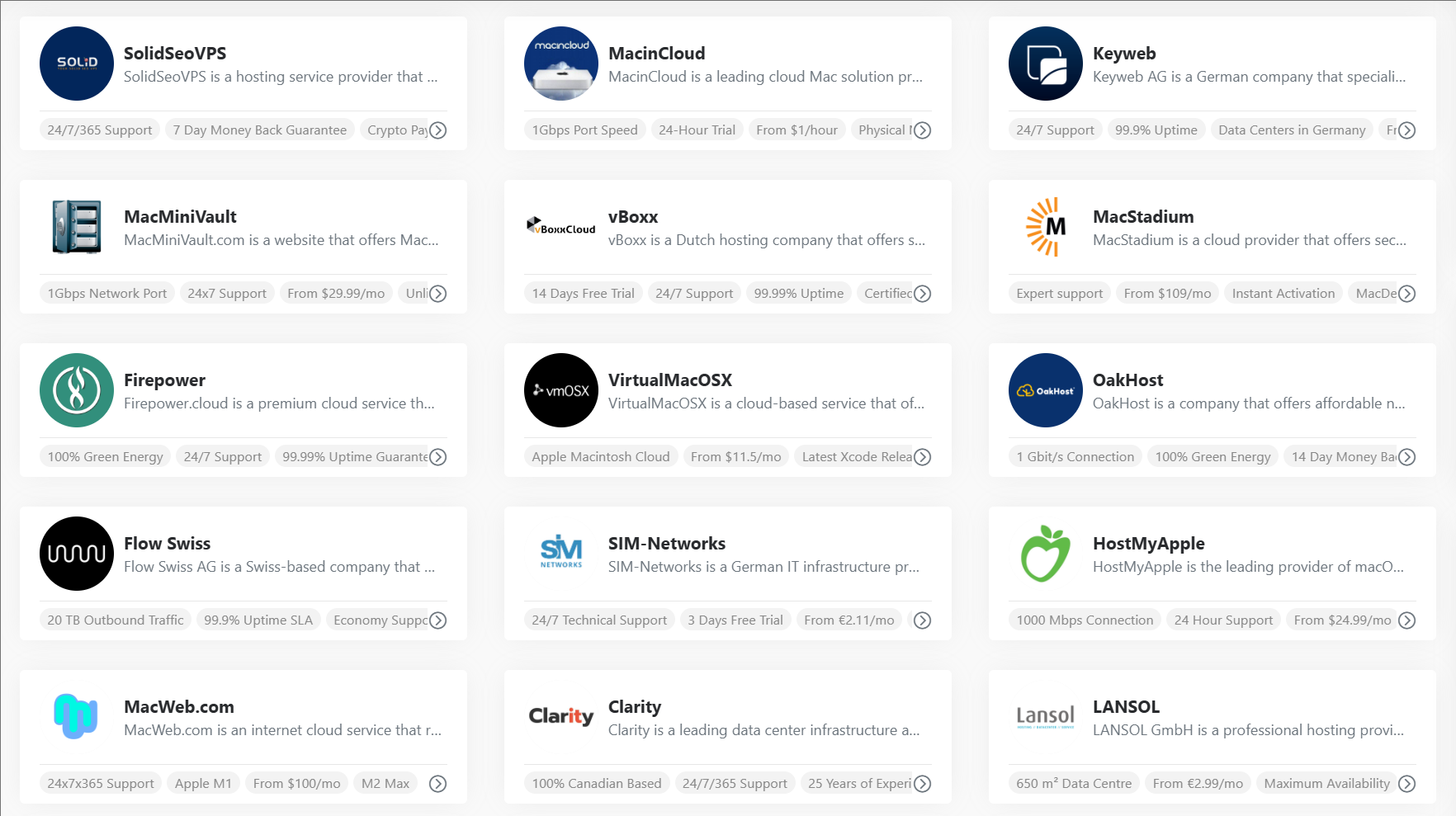
Based on the analysis, the following providers stand out for offering cloud-based macOS virtual machines, each with unique features and pricing models:
MacinCloud
Key Features:
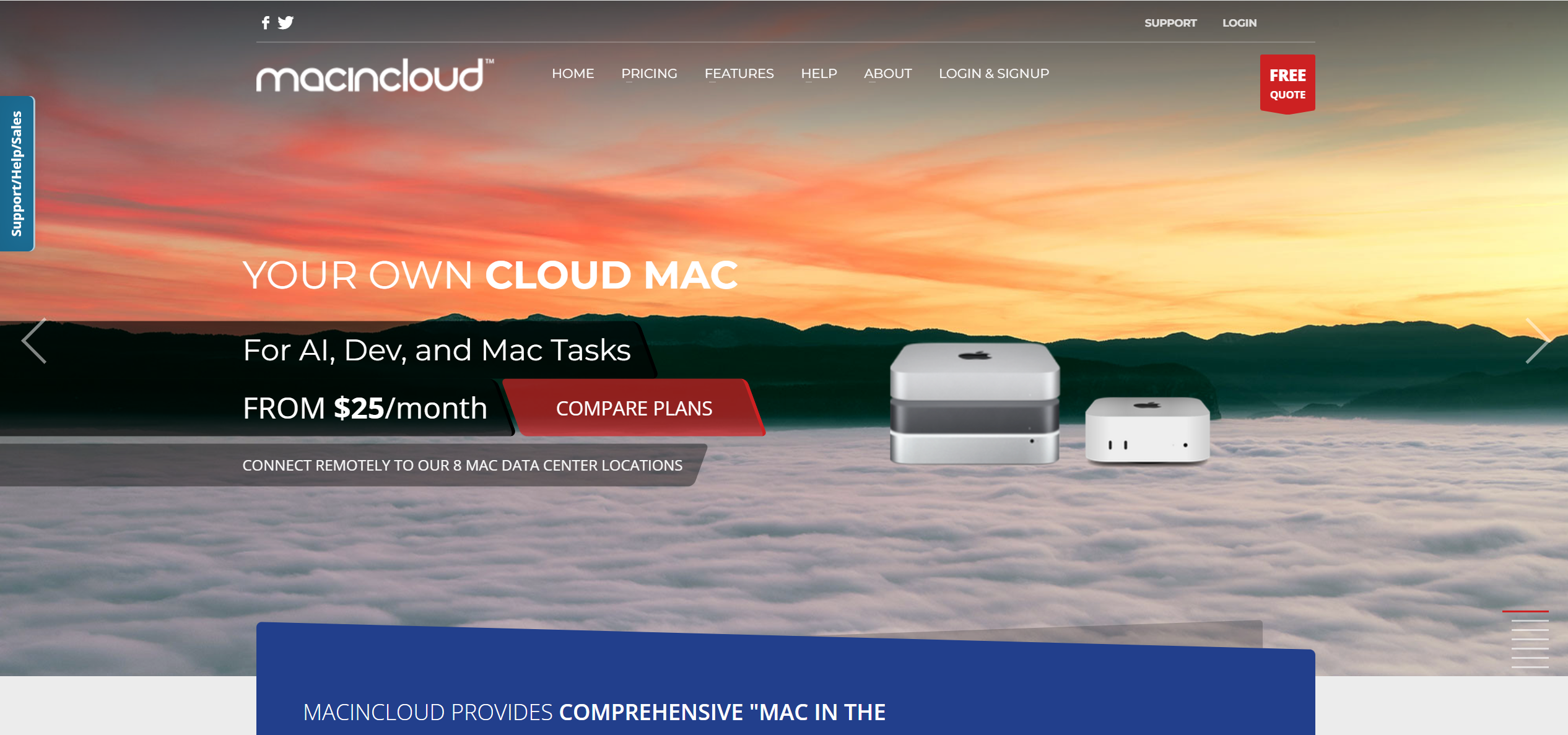
- Offers on-demand Mac cloud servers with support for the latest macOS versions, including macOS 15 Sequoia, as of July 2025.
- Supports iOS development with fully-loaded tools and Visual Studio for Mac, enabling cross-platform development.
- Provides eGPU packages and 4K resolution options for enhanced performance and visual quality, ideal for graphics-intensive tasks.
- Operates from multiple data centers, including a new Frankfurt location, ensuring global accessibility.
Pricing: Starts from $25/month, with plans tailored for AI, development, and macOS tasks.
Suitability: Ideal for developers needing a quick setup for iOS and macOS app development, with access to cutting-edge Apple hardware.
Website: MacinCloud
MacStadium
Key Features:
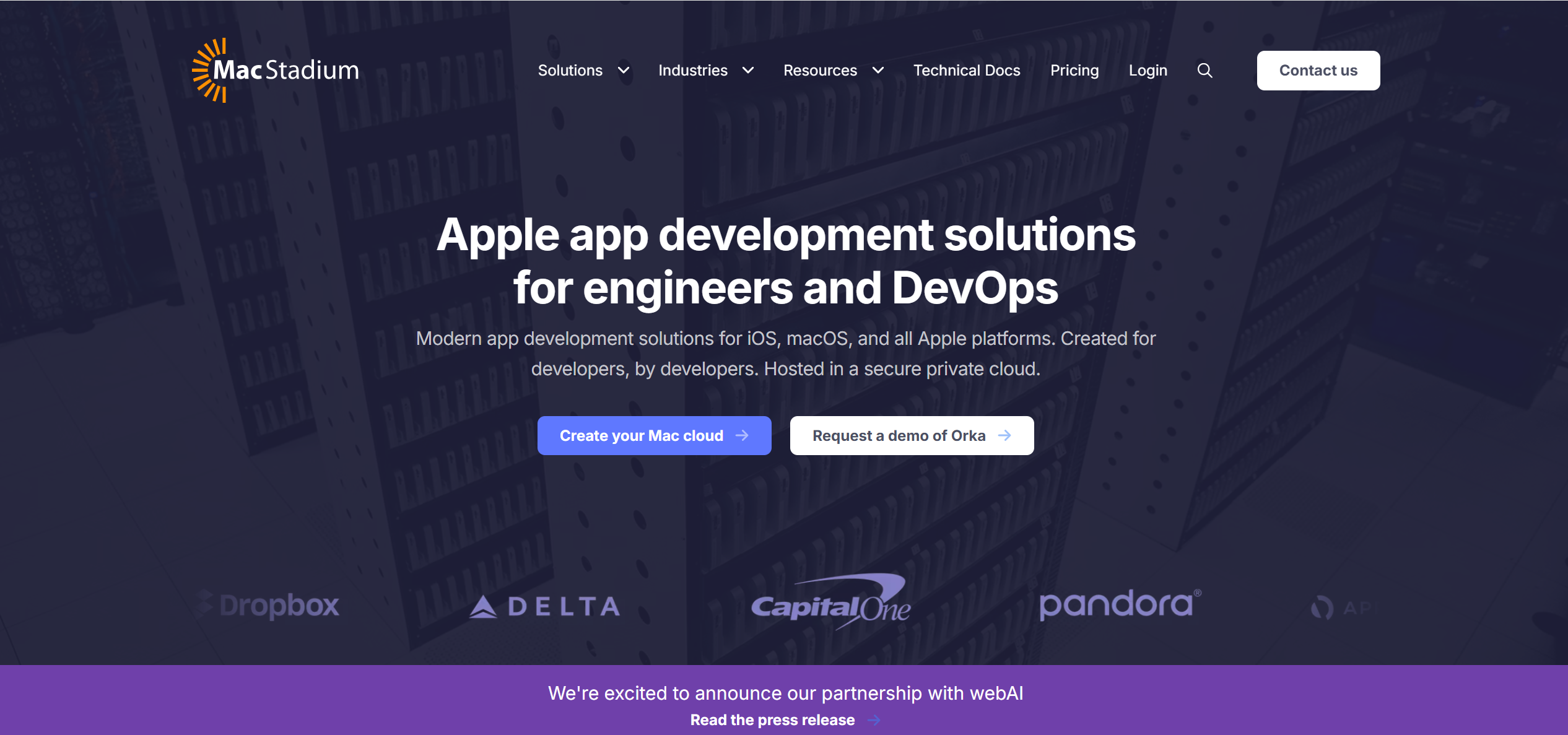
- Provides both virtualized macOS environments through Orka and dedicated Mac cloud infrastructure (IaaS), catering to diverse needs.
- Offers solutions for app development, DevOps, and gaming, with a focus on enterprise-grade performance.
- Emphasizes security with certifications like SOC2 Type2 and ISO, ensuring compliance for sensitive workloads.
- Allows combining new and old Macs into a single environment with unified controls, enhancing flexibility.
Pricing: Pricing is not publicly listed and requires contacting for custom quotes, suitable for larger budgets or enterprise needs.
Suitability: Best for enterprises or teams requiring high-security, dedicated Mac environments with customizable hardware options.
Website: MacStadium
VirtualMacOSX
Key Features:
- Offers shared and dedicated plans, with shared plans providing limited daily access (e.g., 1 hour/day) and dedicated plans offering 24/7 root access.
- Uses top-tier Apple-branded hardware, ensuring reliable performance for macOS workloads.
- Supports the latest macOS and Xcode releases, making it suitable for development and testing.
- Allows cancellation anytime, providing flexibility for users with variable needs.
Pricing:
- Shared plans: $11.50/month for 1 hour/day, up to $22.00/month for unlimited access.
- Dedicated plans: Start at $34.75/month for 2 GB RAM/2 CPU, up to $82.75/month for 6 GB RAM/4 CPU, with storage upgrades available.
Suitability: Suitable for individual developers or small teams looking for affordable, flexible options with no long-term commitments.
Website: VirtualMacOSX
HostMyApple
Key Features:
- Provides Mac VPS cloud hosting with 100% unlimited usage, no data caps or additional fees, ensuring consistent performance.
- Offers up to 64GB RAM and high-speed SSD storage, supporting heavy development workloads.
- Supports development with Xcode, Xamarin, and Visual Studio from any device, with remote desktop access via NoMachine, Apple Remote Desktop, VNC, and SSH.
- Includes full root/administrator privileges and a dedicated IP address, enhancing control and security.
- Data centers located in Atlanta, Denver, and Amsterdam, ensuring low latency for global users.
Pricing: Mac VPS Cloud Hosting starts at $24.99/month; dedicated Mac hosting is available upon request, suitable for higher resource needs.
Suitability: Great for developers needing robust resources and remote access capabilities, especially for collaborative cloud-based projects.
Website: HostMyApple
Amazon EC2 Mac Instances
Key Features:
- Offers a variety of Mac instances powered by Intel Core i7, Apple M1, M1 Ultra, M2, and M2 Pro processors, catering to diverse performance needs.
- Supports multiple macOS versions, including Mojave (10.14) to Ventura (13) and later, depending on instance type, as of July 2025.
- Powered by the AWS Nitro System, offering 10 Gbps VPC network bandwidth and 8 Gbps EBS storage bandwidth for high-speed operations.
- Integrates seamlessly with AWS services like Amazon VPC, EBS, ELB, FSx, and SSM Agent, enhancing functionality for network security, storage, and management.
- Enables faster builds with bare-metal performance and distributed testing, reducing the need for managing physical infrastructure.
Pricing: Available as Dedicated Hosts through On-Demand and Savings Plans, billed per second with a 24-hour minimum allocation period to comply with Apple’s macOS Software License Agreement. SavingsPlans can reduce costs by up to 44% with a 3-year commitment.
Suitability: Perfect for developers already using AWS services or those requiring the scalability, reliability, and integration of AWS infrastructure.
Website: Amazon EC2 Mac Instances
Comparative Table of Providers
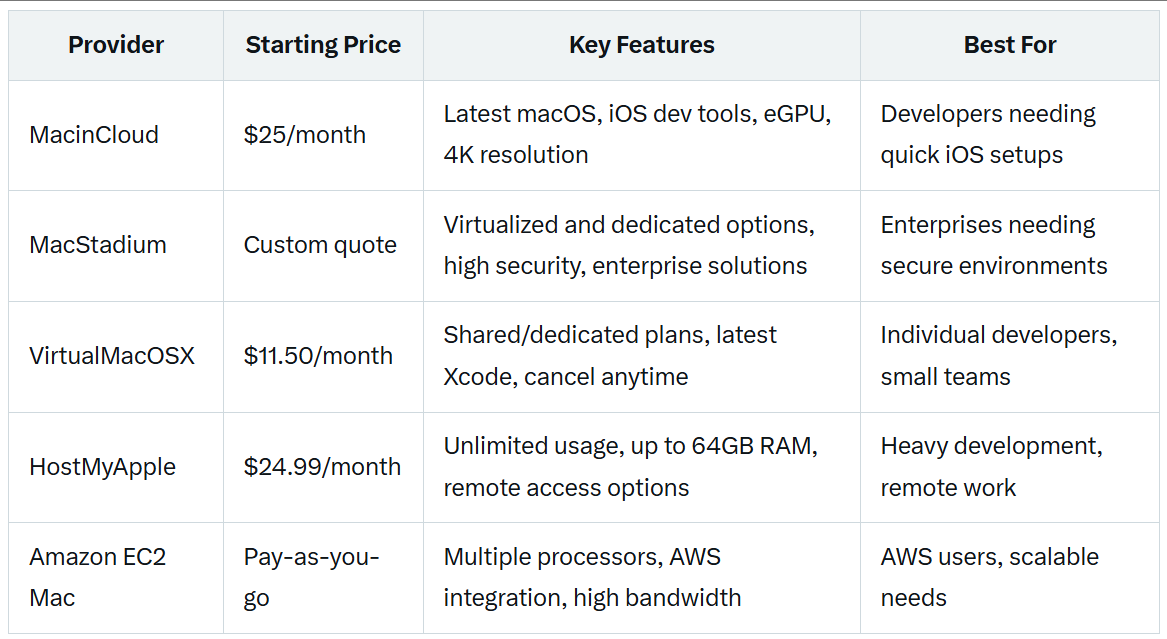
To aid in decision-making, the following table summarizes key features and pricing for the top providers:
Factors for Choosing the Right Provider
When selecting a cloud-based VM provider, consider the following factors to ensure alignment with your needs:
Use Case: Determine the primary purpose of the VM, such as development, testing, gaming, or general-purpose computing. Providers like MacinCloud and VirtualMacOSX are tailored for development, while MacStadium offers broader enterprise solutions.
Performance: Assess the required performance, including CPU cores, RAM, and storage. For example, HostMyApple offers up to 64GB RAM, while Amazon EC2 provides options like M1 Ultra with 128 GiB memory for high-performance tasks.
Pricing: Compare costs based on your usage pattern. Pay-as-you-go models (e.g., Amazon EC2) suit occasional use, while subscription plans (e.g., MacinCloud, VirtualMacOSX) may be better for consistent needs. Consider long-term savings with options like AWS Savings Plans.
Support: Evaluate the level of technical support offered, especially for complex setups or macOS-specific issues. Providers like MacinCloud and HostMyApple offer 24/7 support, enhancing user experience.
Security: Ensure the provider has robust security measures, particularly for handling sensitive data. MacStadium’s SOC2 Type2 and ISO certifications, and Amazon EC2’s integration with VPC, provide strong security options.
Ease of Use: Consider the user interface and setup process, especially if you’re not technically inclined. Providers with intuitive dashboards and quick provisioning, like MacinCloud, may be preferable for beginners.
Conclusion
Running (macOS Cloud Servers) virtual machines online offers MacBook users a powerful, flexible, and cost-effective way to extend their computing capabilities. The analyzed providers—MacinCloud, MacStadium, VirtualMacOSX, HostMyApple, and Amazon EC2 Mac Instances—each offer unique features and pricing models, catering to a range of needs from individual developers to large enterprises. By leveraging these services, users can enhance productivity, collaborate effectively, and focus on their work without the burden of managing local VMs.
