

Level Up Your Minecraft Experience: Ultimate Guide to Minecraft Server Hosting in 2025
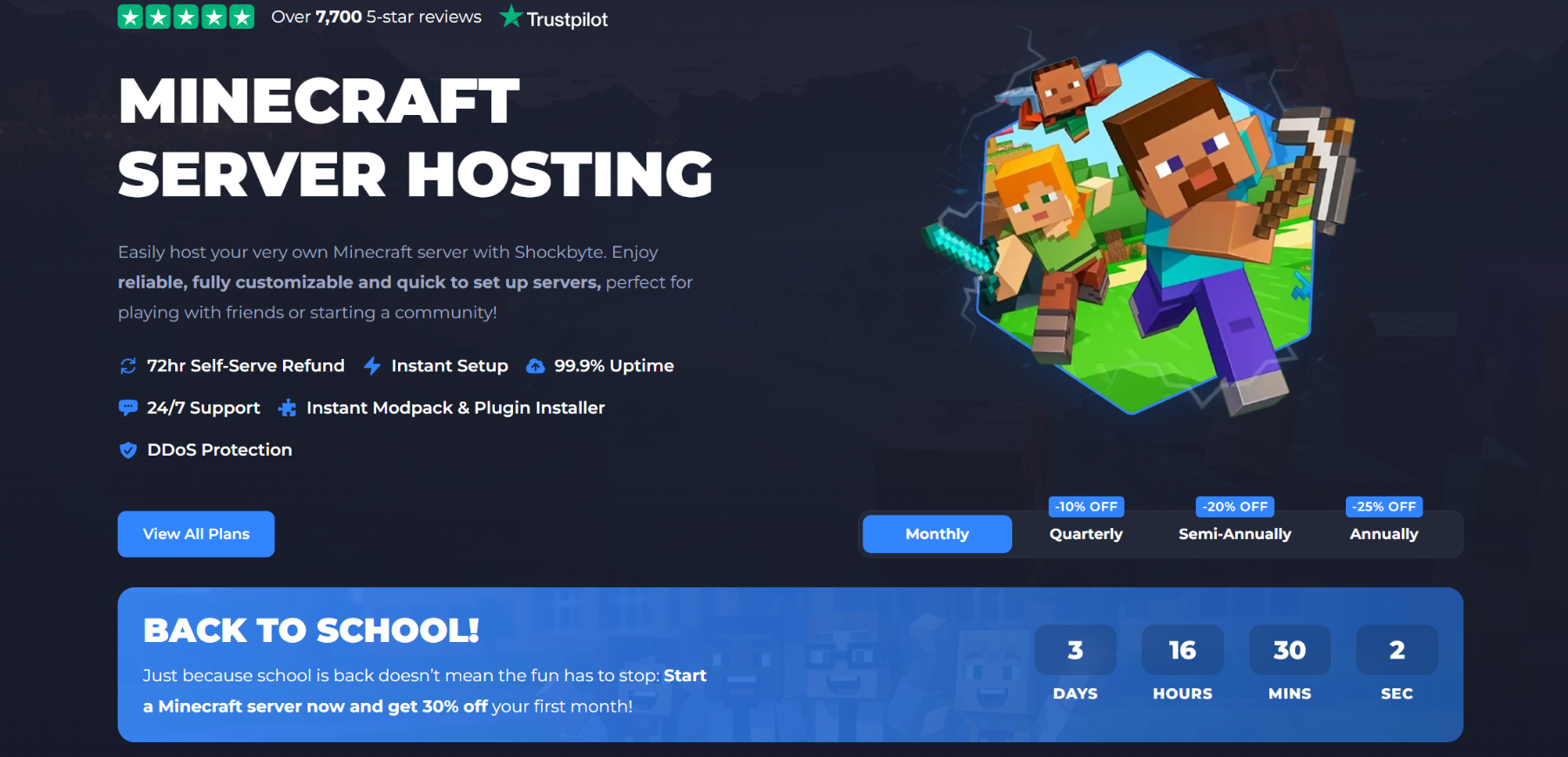
Minecraft continues to captivate millions of players worldwide with its endless creativity and multiplayer adventures. Whether you’re building epic structures with friends or running a bustling community server, having a reliable setup is key. That’s where Minecraft server hosting comes in. In this comprehensive guide, we’ll cover everything you need to know about Minecraft server hosting, from the basics to selecting the best providers and tips for achieving success. If you’re ready to elevate your Minecraft experience, let’s dive in.
What Is Minecraft Server Hosting?
Minecraft server hosting refers to renting or setting up a dedicated server to run your Minecraft world online. This allows multiple players to join, collaborate, and play together in real-time, far beyond the limitations of single-player mode or local LAN setups.
Unlike hosting on your personal computer, which can be resource-intensive and unreliable for larger groups, professional Minecraft server hosting provides dedicated hardware, stable connections, and features like DDoS protection to ensure smooth gameplay. Providers offer pre-configured servers for Java Edition, Bedrock Edition, or even modded versions, making it easy to customize your experience.
At its core, Minecraft server hosting involves selecting a plan based on RAM, CPU, storage, and the number of player slots. For instance, entry-level plans might support 10-20 players with basic mods, while premium options handle hundreds with complex modpacks. This service is ideal for casual groups, content creators, or even educators using Minecraft for learning.
Why Choose Professional Minecraft Server Hosting?
Opting for Minecraft server hosting over self-hosting on your PC offers several advantages:
- Reliability and Uptime: Professional hosts guarantee 99.9% uptime, meaning your server is always online. No more worrying about your computer crashing or power outages disrupting playtime.
- Performance Boost: With high-end hardware like AMD EPYC processors and NVMe SSD storage, lag is minimized—even during intense sessions with mods or large worlds.
- Security Features: Built-in DDoS protection safeguards against attacks, and firewalls keep hackers at bay. This is crucial for public servers where trolls might try to interfere.
- Ease of Use: User-friendly control panels let you install mods, plugins, and modpacks with one click. No technical expertise required for basic setups.
- Scalability: Start small and upgrade as your community grows. Many providers allow seamless plan changes without downtime.
- 24/7 Support: Get help anytime via live chat, tickets, or knowledge bases. This is a game-changer for troubleshooting issues like mod conflicts.
In 2025, with Minecraft’s player base exceeding 200 million, Minecraft server hosting has become more accessible and feature-rich, especially post the recent Minecraft movie hype.
How to Choose the Best Minecraft Server Hosting Provider
Selecting the right Minecraft server hosting can make or break your experience. Here are key factors to consider:
1. Performance and Hardware
Look for providers with powerful specs. Aim for at least 2GB RAM for small servers, scaling up to 32GB for mod-heavy ones. Global data centers reduce latency—choose locations close to your players.
2. Pricing and Plans
Budgets vary, so compare value. Entry-level plans start at $2-5/month, while premium ones reach $100+. Watch for hidden fees, like extra charges for modpacks or backups. Quarterly billing often saves money.
3. Mod and Plugin Support
If you love mods (e.g., Forge, Fabric, or CurseForge packs), ensure one-click installation. Providers like those supporting over 2,000 modpacks make customization effortless.
4. Customer Support
24/7 assistance with quick response times (under 15 minutes) is essential. Read reviews on Trustpilot or Reddit for real user experiences.
5. Free vs. Paid Options
Free hosts like Aternos or Minehut exist but come with limitations like ads, limited slots, and downtime. Paid Minecraft server hosting is worth it for serious play.
6. User Reviews and Ratings
In 2025, top-rated providers on sites like CNET and Reddit include those with 4.5+ stars. Avoid hosts with frequent complaints about lag or support.
Top Minecraft Server Hosting Providers in 2025
Based on recent reviews and performance tests, here are the best Minecraft server hosting options. We’ve focused on reliability, features, and value.
1. Hostinger: Best Overall
Hostinger tops the list with excellent performance and a 4.7 Trustpilot rating. Plans start at $4.99/month, offering NVMe storage, DDoS protection, and an AI assistant (Kodee) for setup. Ideal for beginners and pros alike, with instant mod installs and global locations.

2. Apex Hosting: Best for Modpacks
Apex offers lag-free hardware and 24/7 support. Starting at $7.49/month, it includes one-click modpack installs and worldwide servers. Great for Java and Bedrock, with a scholarship program for students.
3. BisectHosting: Best Support
With an average 15-minute ticket response and 20 global locations, BisectHosting excels in customer service. Plans from $2.99/month support unlimited slots and modpacks. Perfect for large communities.
4. ScalaCube: Best for Customization
ScalaCube provides cheap Minecraft server hosting with one-click modpack installs (over 1,000 options). Starting at affordable rates, it includes free subdomains and DDoS protection. User-friendly for modded servers.
5. Shockbyte: Best Budget Option
For value, Shockbyte offers plans from $2.50/month with automatic backups and full mod support. Their new panel is intuitive, and 30% off first-month deals make it accessible. Other notables include DatHost for big communities and WiseHosting for budget-conscious users.
Step-by-Step Guide to Setting Up Minecraft Server Hosting
Ready to get started? Here’s a simple guide:
- Choose a Provider: Pick based on your needs (e.g., Hostinger for ease).
- Select a Plan: Decide on RAM and slots. Download the latest server software from Minecraft.net if needed.
- Configure Your Server: Use the control panel to set up Java or Bedrock, install mods, and create a world.
- Port Forwarding (If Self-Hosting): For PC setups, forward port 25565. But with hosted services, this is handled automatically.
- Invite Players: Share your IP address and connect via Minecraft’s multiplayer menu.
- Customize: Add plugins for economy systems or anti-griefing.
For detailed tutorials, check the provider’s knowledge bases or YouTube guides.
Tips for Running a Successful Minecraft Server
Optimize Performance: Regularly update mods and monitor resource usage. Use tools like PaperMC for better efficiency.
Build a Community: Promote on Reddit, Discord, or Minecraft forums. Set clear rules to foster a positive environment.
Backup Regularly: Enable automatic backups to prevent data loss from crashes or griefing.
Monetize if Desired: Offer cosmetic items or ranks via donations, but comply with Minecraft’s EULA.
Stay Updated: With Minecraft’s frequent updates, ensure your server matches the latest version.
Conclusion: Level Up Your Minecraft Experience
Minecraft server hosting opens up a world of possibilities, from private realms with friends to thriving public communities. In 2025, providers like Hostinger and Apex make it easier than ever to get started without technical headaches. Whether you’re a newbie or seasoned admin, investing in quality hosting ensures lag-free fun and endless creativity.
